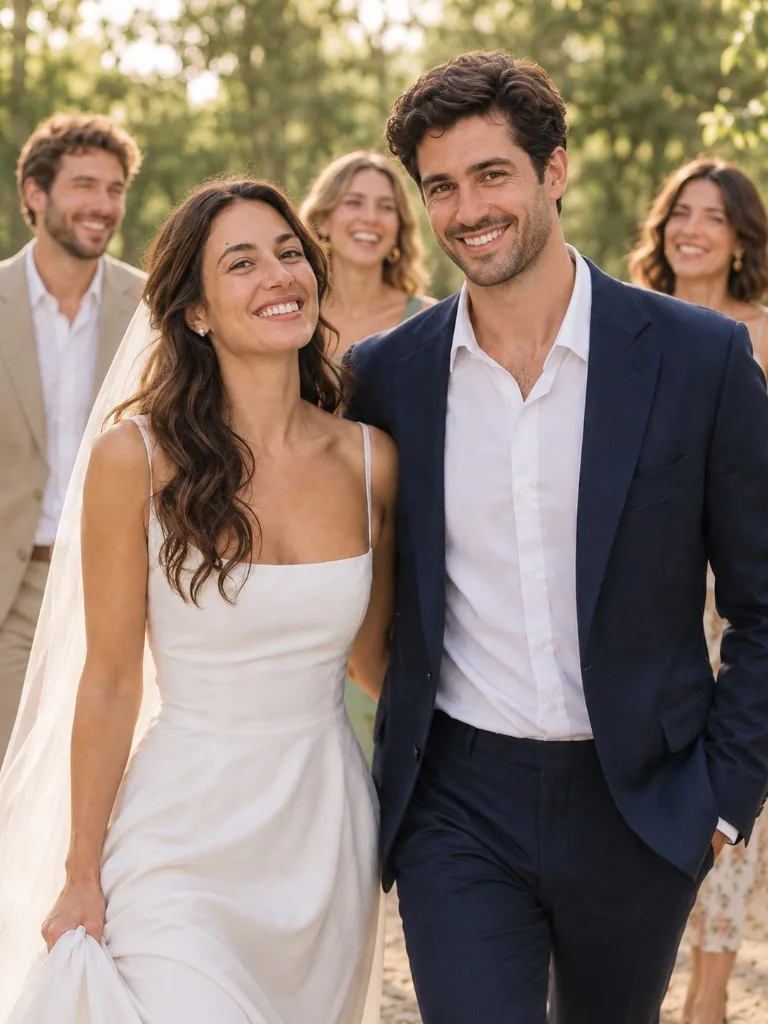
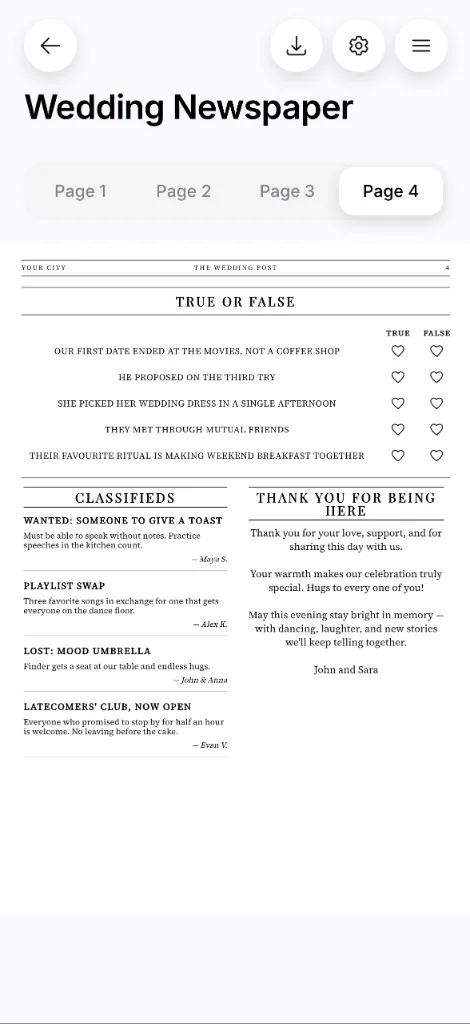
Wanted: someone to give a toast
Must be able to speak without notes. Practice speeches in the kitchen count.
Maya S.
For your guests
A wedding newspaper tells your guests how you met, shows them what's planned for the day, and gives them a few games to enjoy. They can read it at the table and take it home at the end of the night.
Each template comes with sample text for every section. Make it your own, add your photos, and download the PDF. It prints on one A3 sheet, about 11.7 × 16.5 inches, so most home printers will not take it. A print shop can.
You can try creating your newspaper for free
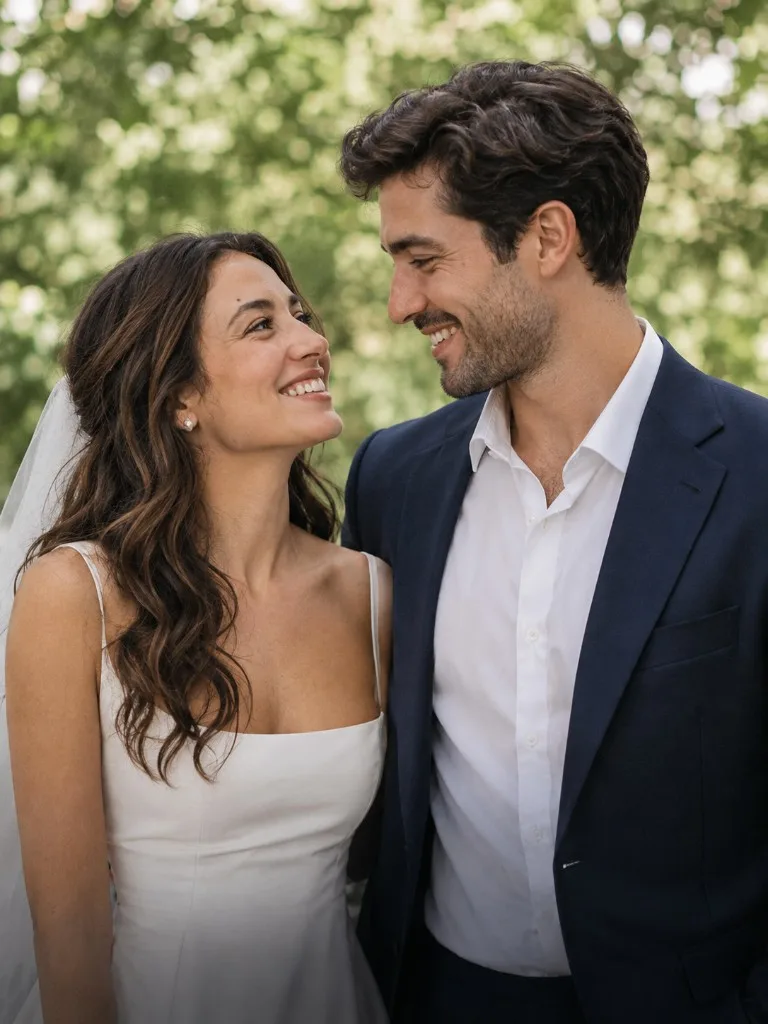
A wedding newspaper is a way to share your story, a few fun facts about the two of you, and the schedule for the day. It also gives guests something to talk about and helps break the ice, especially when people are meeting for the first time.
You could make a newspaper in Word or Canva, but you'd need to find a suitable layout and decide what to put in it. Here, the sections and sample text are already prepared. Just edit them and add your photos, and the app takes care of the layout.
A traditional newspaper layout with columns, your story, fun facts, guest awards, and classifieds.
A cleaner, more spacious layout with a welcome message, a word search, and space for a QR code.
A magazine-style cover featuring your names and photo, with your story, guest awards, and a crossword inside.
Every section in the template comes with sample text. Use it as is or rewrite it to make it your own.
Must be able to speak without notes. Practice speeches in the kitchen count.
Maya S.
Three favorite songs in exchange for one that gets everyone on the dance floor.
Alex K.
Everyone who promised to stop by for half an hour is welcome. No leaving before the cake.
Evan V.
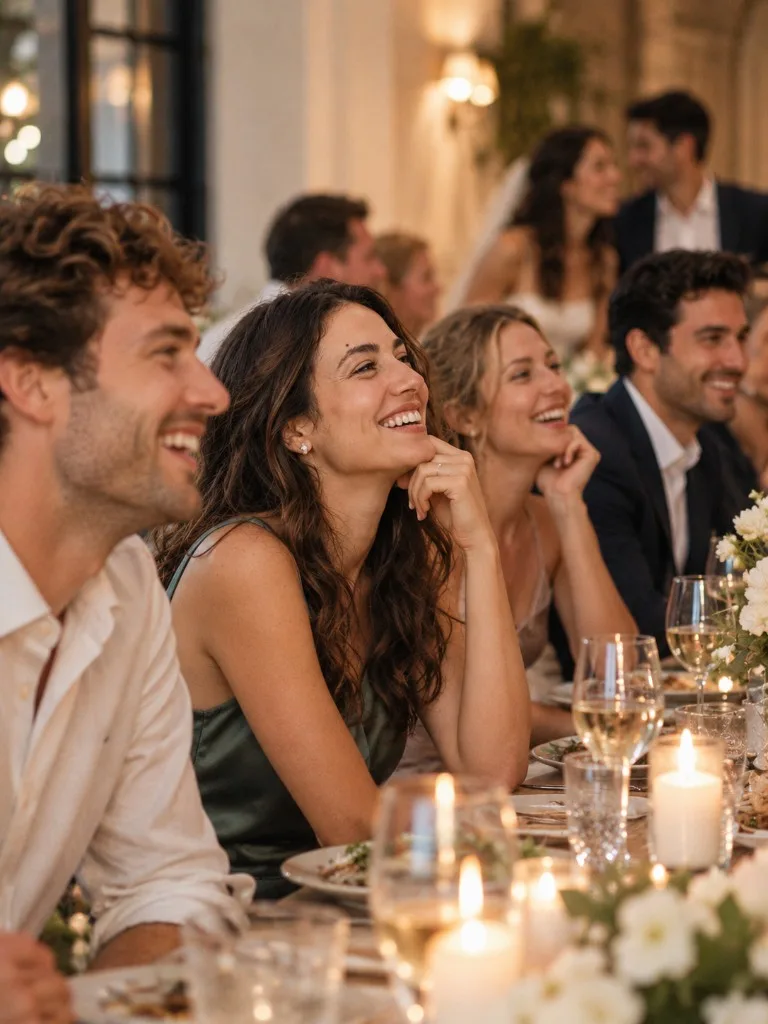
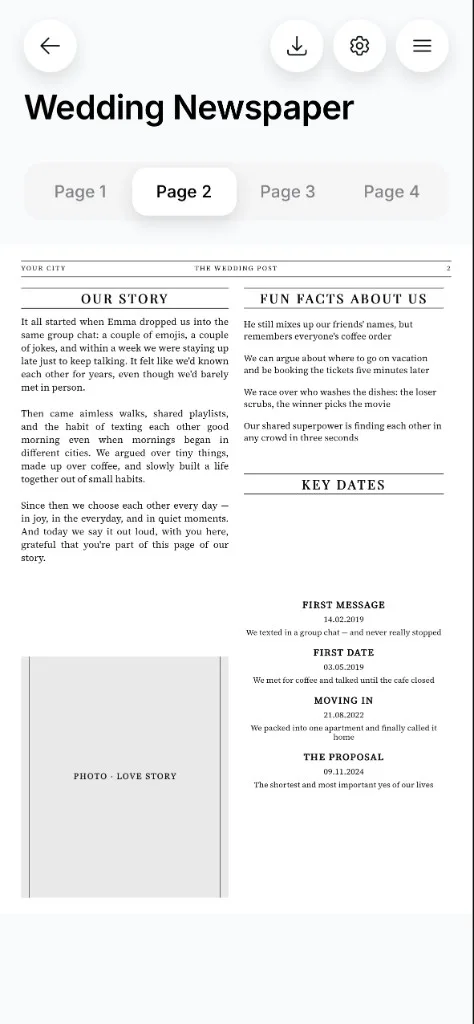
He still mixes up our friends' names, but remembers everyone's coffee order.
We can argue about where to go on vacation and be booking the tickets five minutes later.
These numbers are just examples. Replace them with your own.
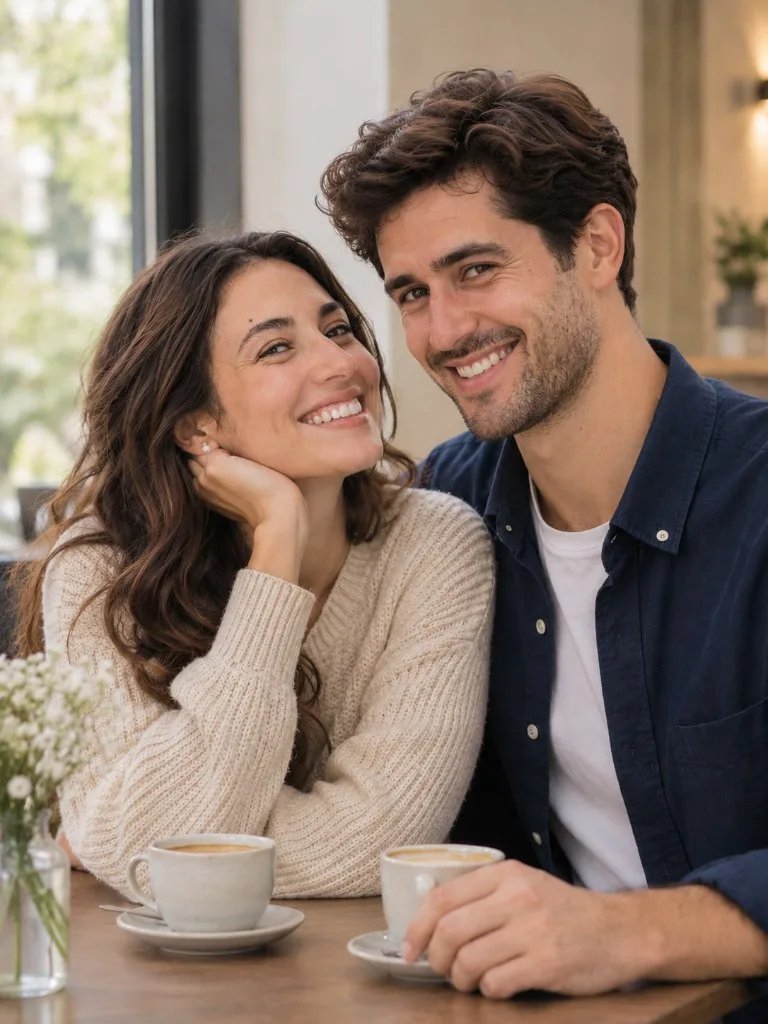
It all started when Emma dropped us into the same group chat: a couple of emojis, a couple of jokes, and within a week we were staying up late just to keep talking. It felt like we'd known each other for years, even though we'd barely met in person.
Come up with clues about the two of you: where you met, your cat's name, where you're going on your honeymoon. Guests can solve the crossword at the table and learn something new about you along the way.
You write the clues, and the app arranges the answers into a crossword grid. The crossword is included in the Editorial template. If you'd rather not come up with your own clues, there are fifteen ready-made ones to choose from.
Sample crossword clues
Open the newspaper section in Wedding Planner - No Stress and pick one of the three templates. Your names and wedding date are filled in automatically.
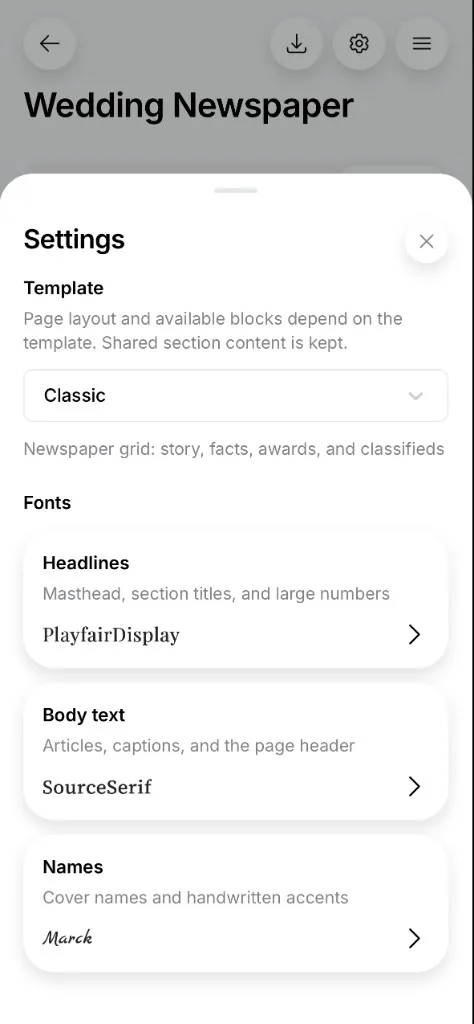
Add photos and choose fonts for the headlines, body text, and names. Add items to lists or remove the ones you don't need. Your changes appear in the newspaper as you make them.
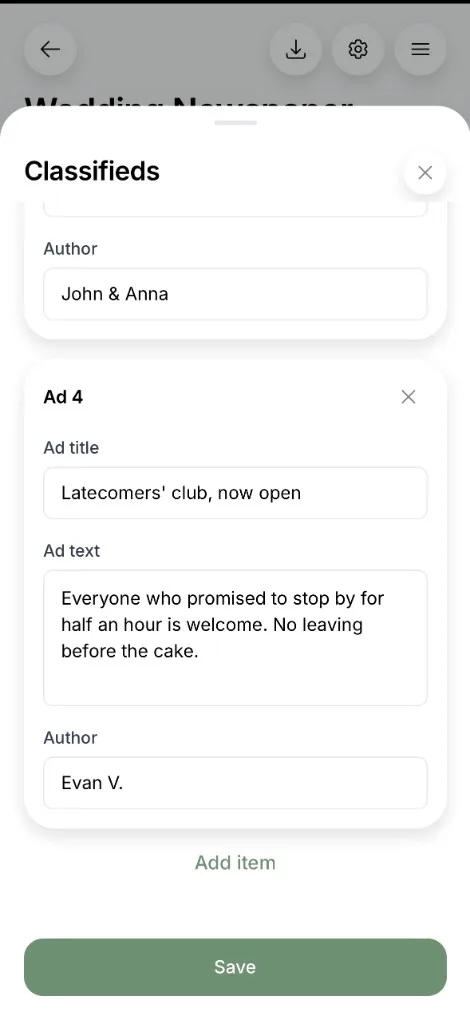
You can take the file to a print shop whenever you're ready.
It's easier to edit your newspaper on a computer, where the larger screen gives you more room to work with the text and photos.
The newspaper is designed to print on both sides of a single A3 sheet. The PDF has two pages, one for each side of the sheet. Fold it in half to make a four-page newspaper. Each finished page is A4, about 8.3 × 11.7 inches, close to US Letter size but not the same.
The full sheet is A3, about 11.7 × 16.5 inches. That is close to US Tabloid (11 × 17 inches) but not the same size. Ask the print shop to print the PDF on A3 paper without resizing it. At home, you need a printer that takes A3.
You can place a copy on each guest's plate, leave a few on the tables, or set out a stack near the entrance. If you'd like everyone to take a copy home, print one for each guest.
Print a few days before the wedding, once the names and schedule are final. Check the first copy carefully: make sure the names, times, and locations are correct, and look for any typos.
The templates give you a ready-made layout and sample text for every section. Add your photos, make it your own, and download the PDF.
You can try creating your newspaper for free