Do guests have to install an app?
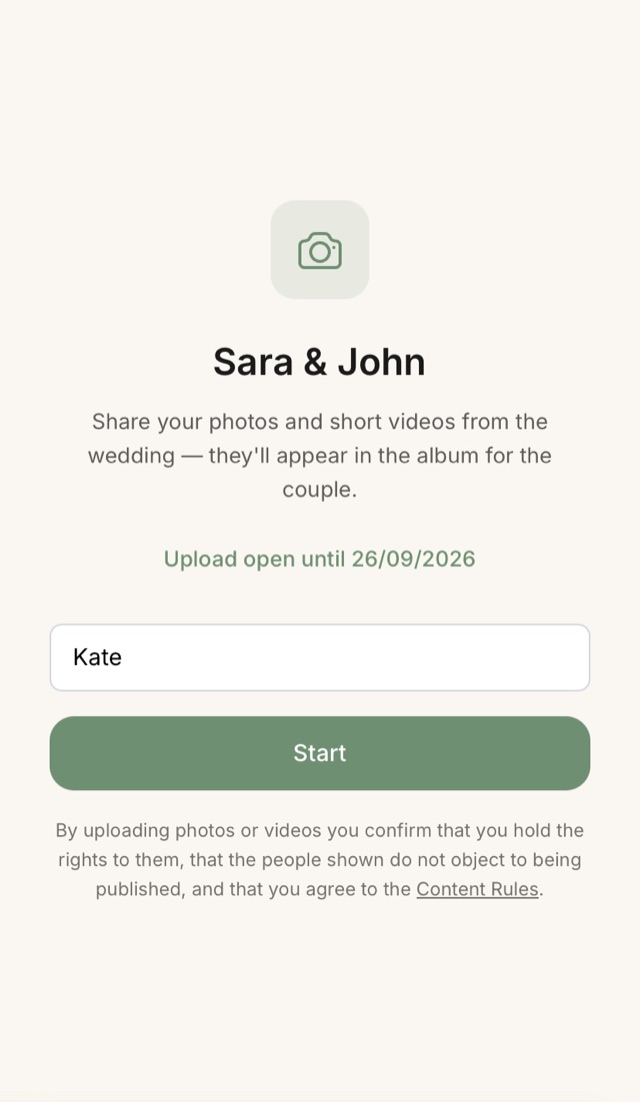
No. A guest opens the page in their phone browser, types a name and uploads their shots. No install, no sign-up.
Will the QR code change after I print it?
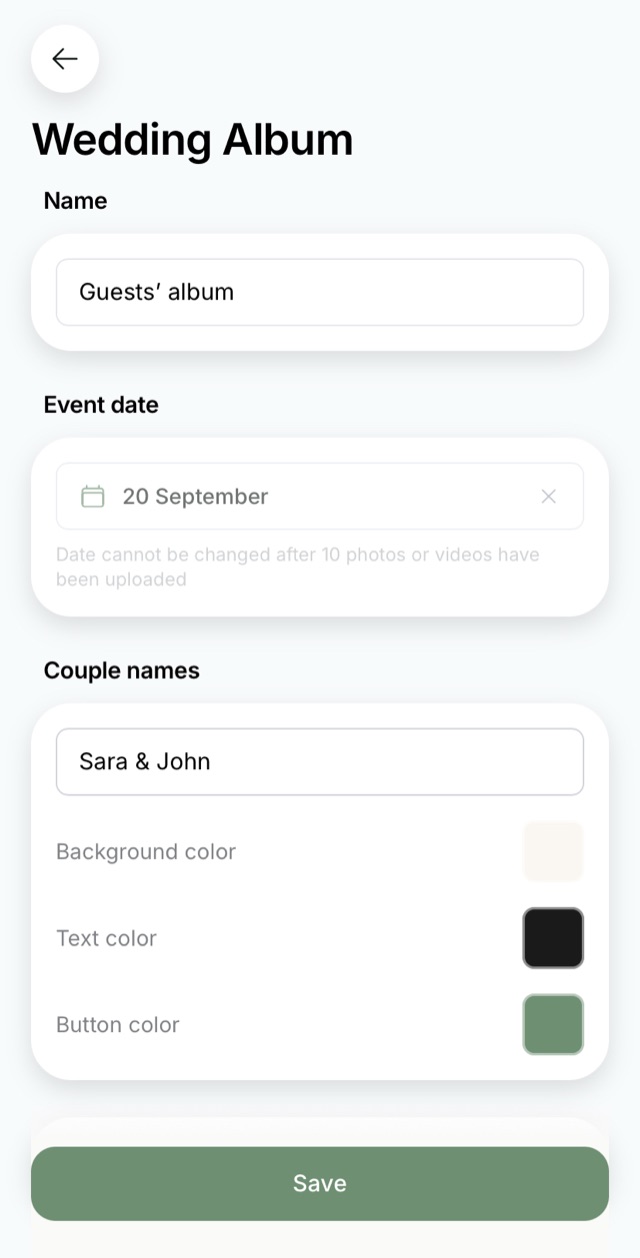
No. The QR code and the link inside it are created once and stay the same. You can change the date, the names and the styling as often as you like, and the printed cards keep working.
What if a guest cannot scan a QR code?
Send them the link in a messenger, it leads to the same page.
How do I collect the photos my guests took at the wedding?
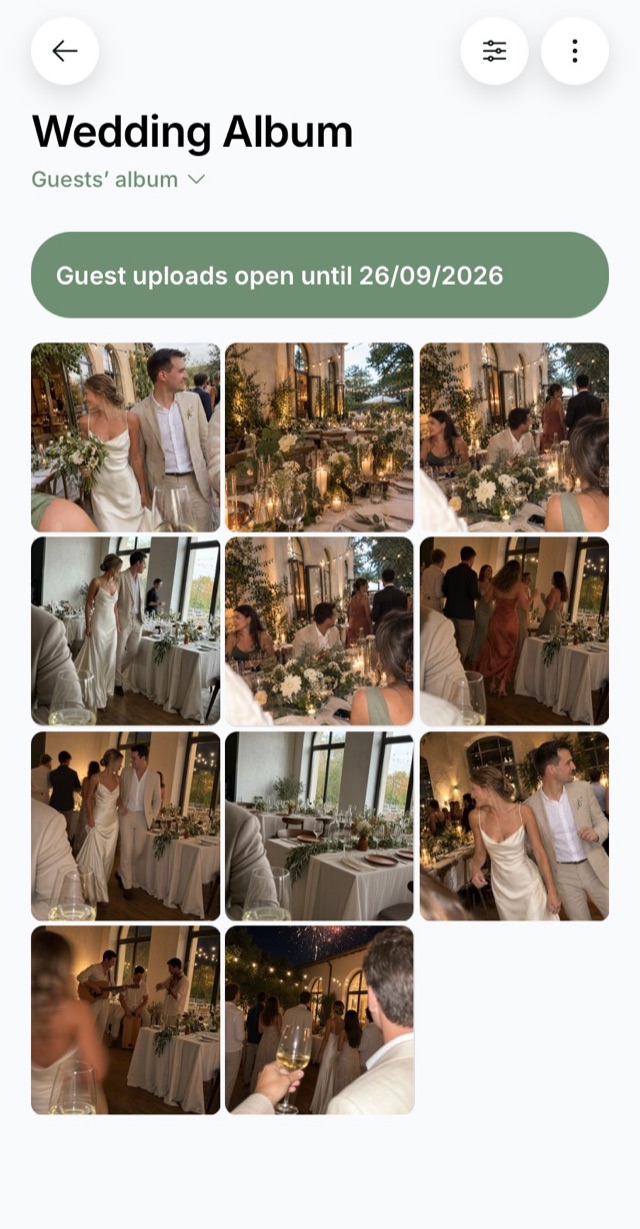
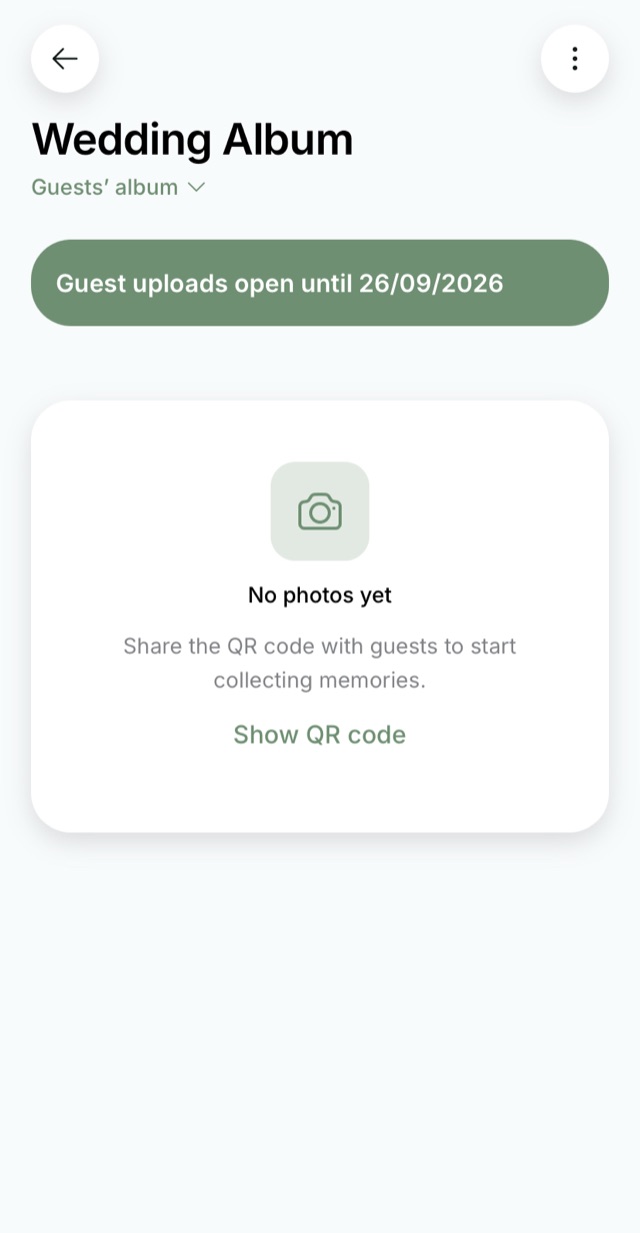
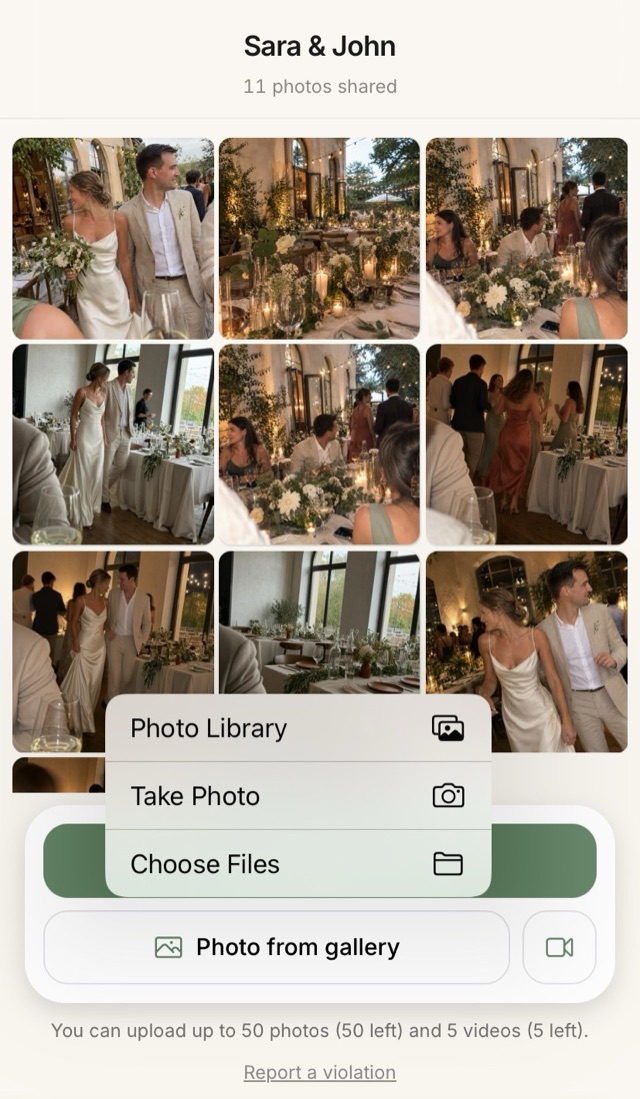
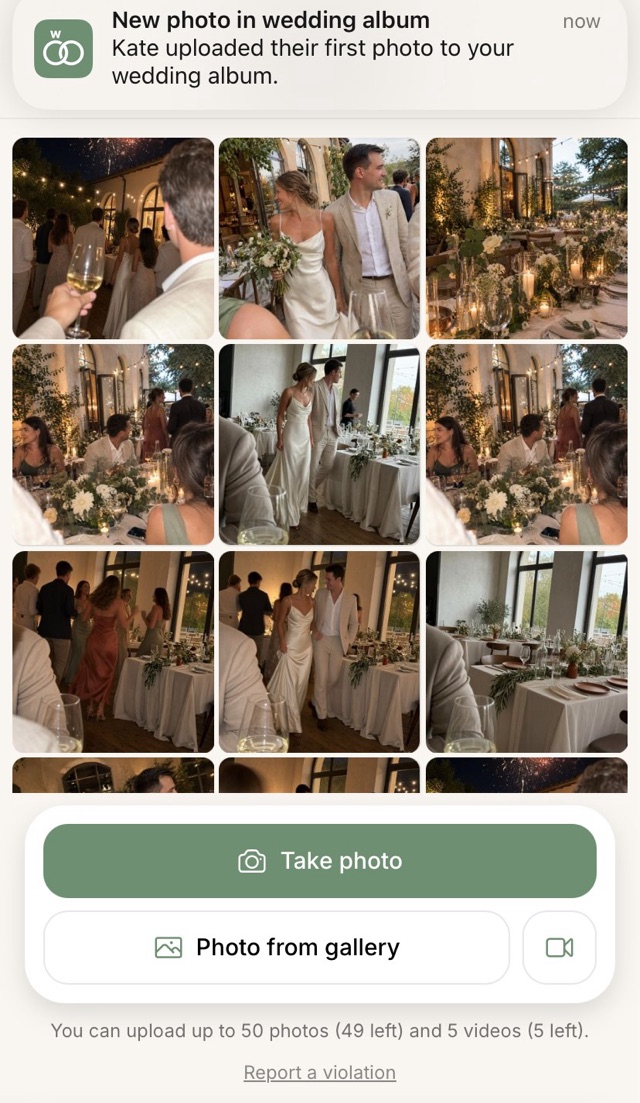
Through one shared online album. You print the QR code, a guest scans it and uploads their photos, and later you download the whole album at once. Nothing has to be asked for or gathered out of chats.
How many photos and videos can be uploaded?
Up to 50 photos and 5 short clips from one guest, and up to 2000 photos and 50 videos from the whole wedding. Videos up to two minutes long.
When does uploading open, and how long does it last?
The album opens by itself on the day of the event and keeps taking photos for another week. That matters more than it sounds: on the day itself guests upload only a third of them, and the rest arrive over the following days.
How do I download the photos?
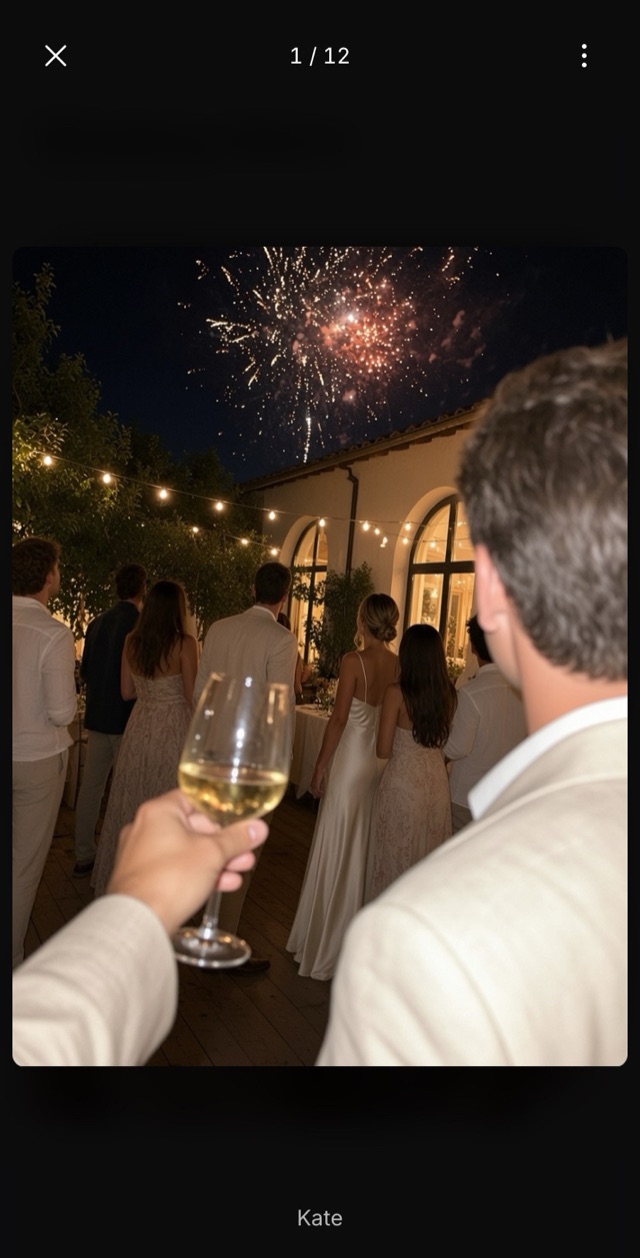
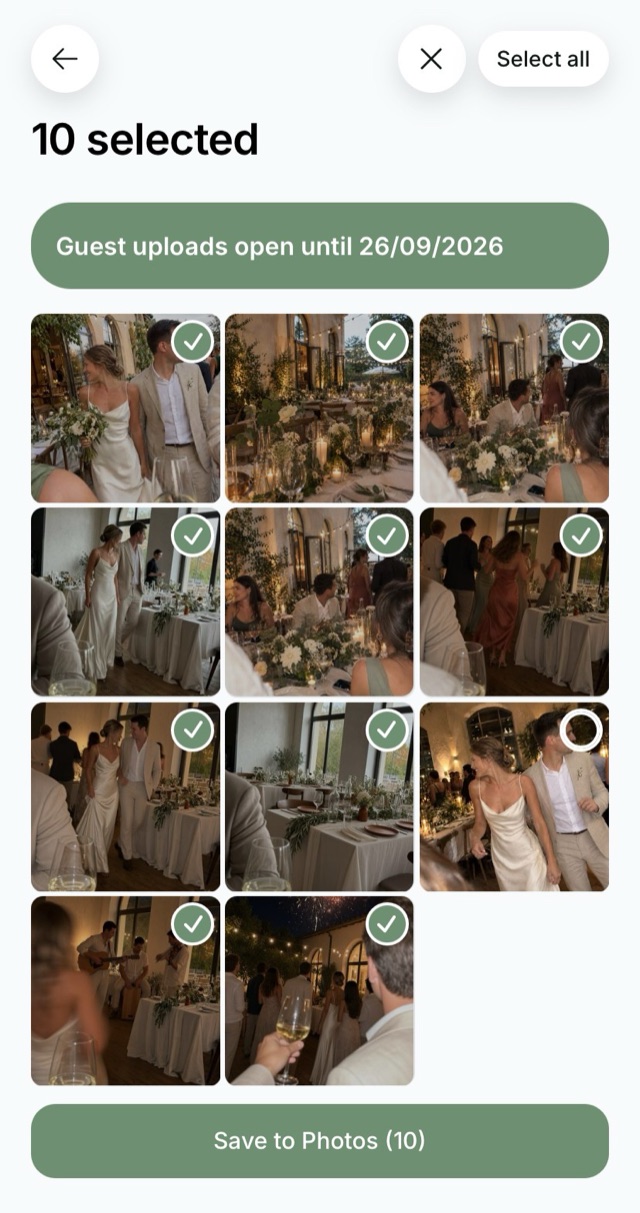
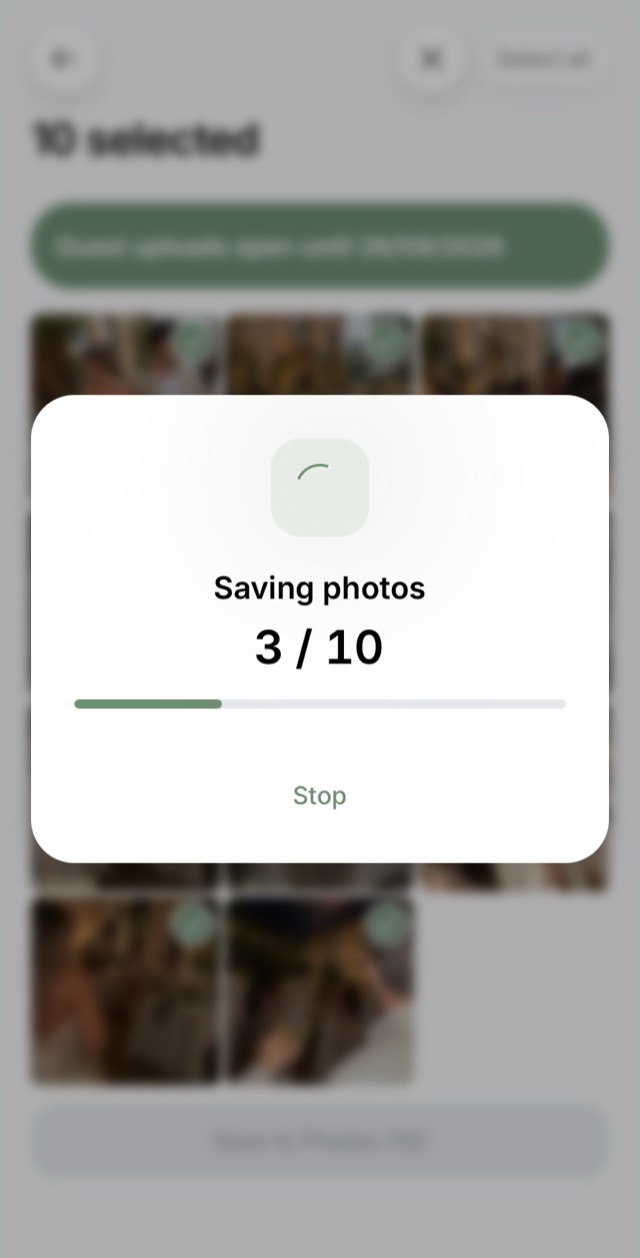
All at once, or one by one if you only want certain frames. On a phone they are saved to the camera roll, on a computer to the downloads folder.
How long are the photos stored?
Thirty days after the wedding, which is enough time to download the whole album without rushing.
Can I delete a bad photo or hide the feed from guests?
Yes, both. Any photo is deleted with one tap, and the shared feed can be hidden so the photos are visible only to you.
How is this different from a wish book?
The album collects photos, the wish book collects words. People often use both: the album's QR code on the tables, the wish book's code next to it.
Do iPhone photos work?
Yes. Safari converts HEIC to an ordinary JPEG as the guest picks the file, and a Live Photo uploads as its still frame. Nothing to set up.
Who can open the album?
Anyone with the link or the QR code. The album page is closed to search engines, so it cannot be found through search, and the shared feed can be hidden so the photos are visible only to you.
What if the venue has bad internet?
Files upload one at a time with a progress bar on each. If the connection drops, the guest taps retry or opens the link again: whatever already uploaded stays in the album.
Where do I make a QR card for the tables?
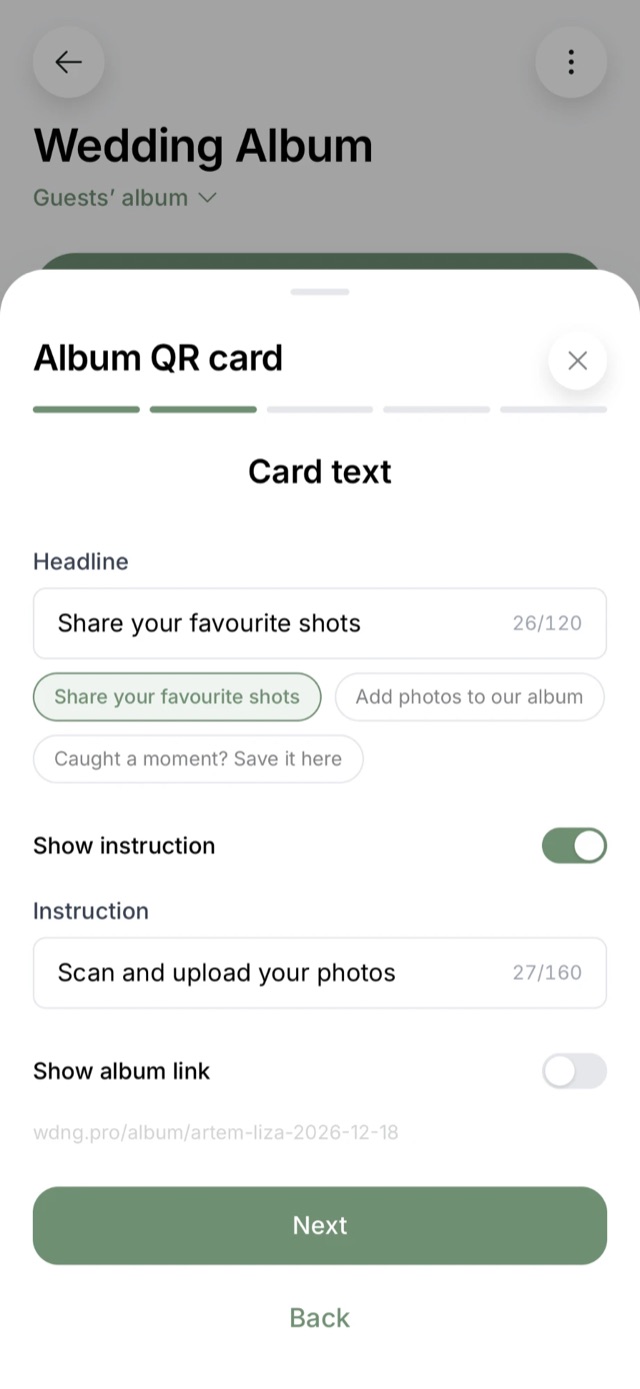
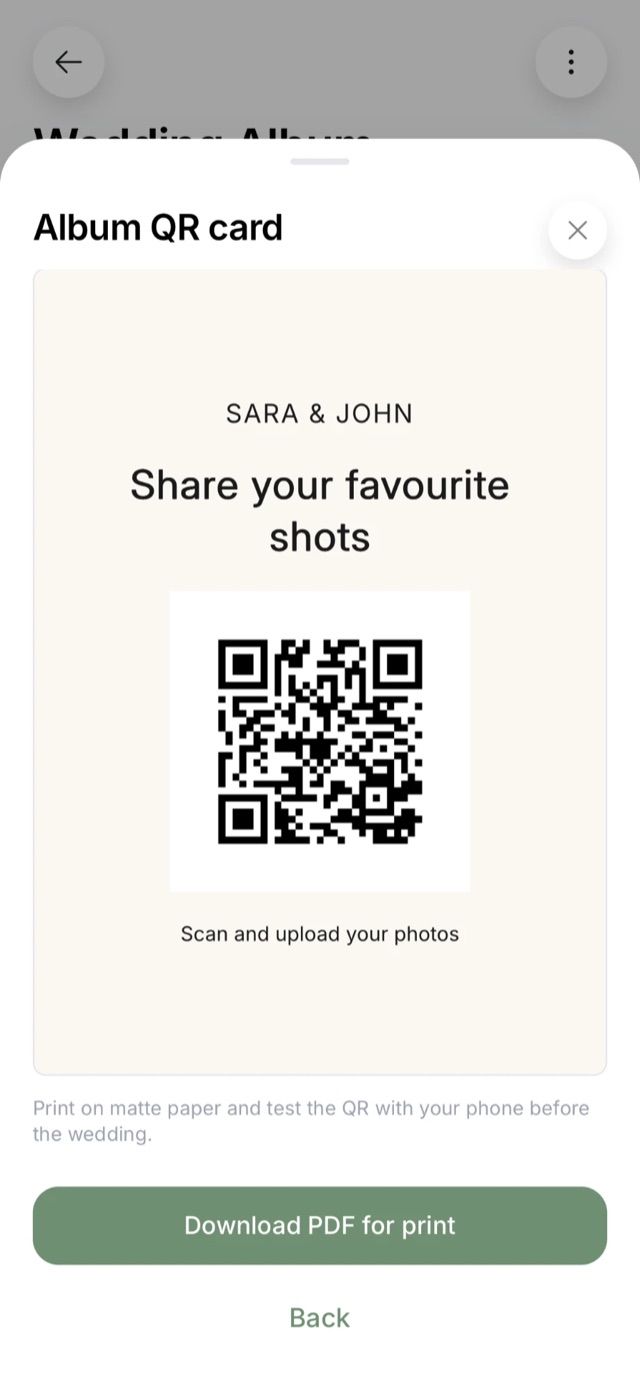
Right in the app. Pick a size: A6 for each table or an A5 sign for the entrance, the bar or the photo corner. Then the headline, background and fonts: choose a ready colour, pick your own, use your own picture or make it transparent for coloured paper. Download the PDF and test the QR code with your phone before the wedding.